Makeup
How to guess your foundation shade online without a miss
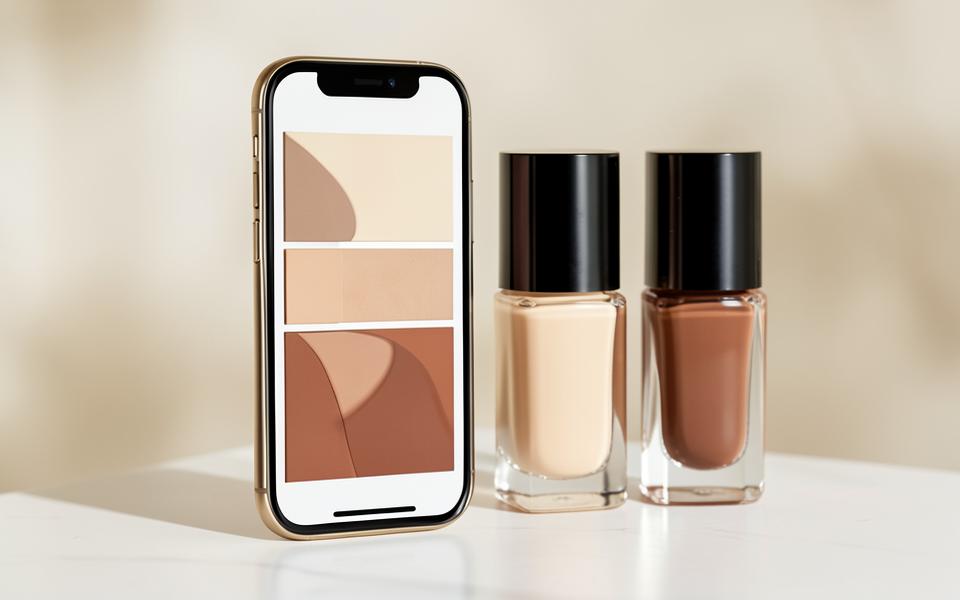
In a store, you test on your skin; online, you rely on data. That's why the goal is to build your own "reference card" of shades and use it to translate every new brand.
Step 1: write down your reference shade
Find one foundation that definitely suits you and write down the exact name, number and undertone label. That's your benchmark for every future purchase. Without a reference shade, every online choice is guesswork.
Step 2: translate the shade, not the number
Numbers aren't standardised, but undertone labels are fairly consistent: W/warm/golden for warm, C/cool/rose for cool, N/neutral for neutral. Look for a shade with the same undertone and a similar depth, then check the descriptions ("light-medium", "medium").
Step 3: use a shade finder, but with caution
Shade-finder tools on brand websites work well if you enter a reference shade from another brand. They're far less reliable when estimating a shade from a description ("medium-light skin with golden undertone").
Step 4: read customer photos, not stock images
- Look for photos taken in daylight, without filters.
- Ignore images with flash — flash "washes out" the undertone and makes the foundation look lighter.
- Compare the swatch on the neck, not on the arm.
Step 5: order safely
Buy where returns are possible and, if the brand allows it, order two neighbouring shades and return one. Mixing two shades is still the most precise way to get your exact depth all year round.
Screen calibration and room lighting change your perception of colour. Never decide on a shade on your phone in "night mode" or under yellow artificial light.
If the shade still turns out wrong
A too-light foundation is fixed with bronzer or a drop of a darker product; a too-dark one can only be used as contour. If the undertone is wrong, fixes are limited — details are in why does my foundation look orange or grey. Revisit the undertone basics in the guide foundation according to skin undertone.
Frequently asked questions
Can I determine my shade from a selfie?
With a good photo (daylight, no filter, no makeup) the estimate of undertone and depth is quite reliable. How to take such a photo is explained in photo for AI face analysis.
How many foundation shades do I realistically need?
Two from the same line — a summer and a winter depth of the same undertone — cover the whole year.
Are "universal" shades a solution?
Rarely. They're usually neutral and medium depth, which suits a narrower range of people than marketing suggests.
In closing
Buying foundation online is a matter of system: a reference shade, translating labels, checking real photos, and the option to exchange. On top of that, knowing your own undertone makes the difference between a miss and a foundation that disappears on your skin.
Related reading
How to choose foundation according to your skin's undertone
The right foundation shade isn't a matter of luck. Once you know your undertone, the number of possible mistakes drops from dozens to two.
Why does my foundation look orange or grey?
Orange and grey are two opposite symptoms of the same mistake: your foundation and your skin aren't in the same undertone.
How to Take a Photo for AI Facial Analysis
AI doesn't see you — it sees your photo. That's why one bad light can change the whole result.
Main guides